
 en
en English
 中文简体
中文简体 русский
 Español
 عربى
عربى
How to Accurately Test Network Cable Speed & Selection Guide
Before conducting any speed tests, it is essential to understand the theoretical transmission limits of different Category twisted-pair cables. To accurately measure the true maximum speed of a network cable, the primary principle is to completely eliminate interference from the Wide Area Network (WAN) and external router lines.
Physical Baseline: Ethernet Cable Performance Limits and Selection

The core metrics of cables are limited by shielding craftsmanship, twist density, and the actual physical deployment distance.
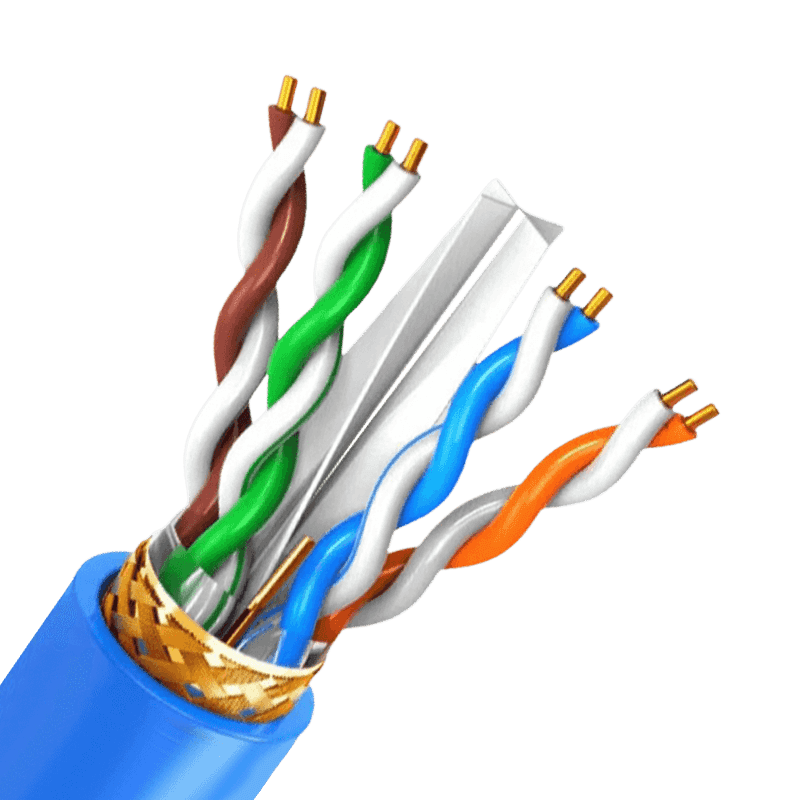
- Cat5e & Cat6: The top choice for basic broadband access and standard home or enterprise networks. By introducing the IEEE 802.3bz (NBASE-T) technical specification, they can break through to transmission rates of 2.5 Gbps or 5 Gbps within a 100-meter range, respectively.
- Cat6a:For network environments requiring stable 10 Gbps over 100 meters, Cat6a is currently the compliant and most cost-effective physical medium choice.
- Cat8: Geared towards high-frequency short-distance communication between data center servers, supporting 25 Gbps or 40 Gbps (maximum supported distance of 30 meters).
LAN Speed Testing: The iPerf3 Stress Testing System Isolating External Variables
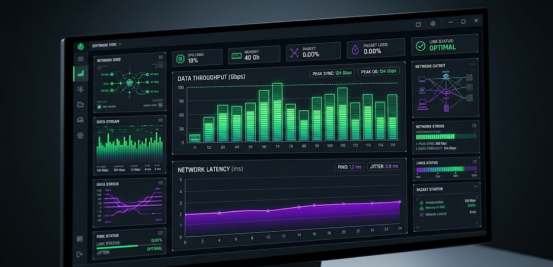
Testing must be conducted in a closed loop within the local LAN (Local Area Network); the testing device must disable all Wi-Fi connections and exclusively use a direct Gigabit or 10-Gigabit Ethernet port connection to prevent data distortion caused by the half-duplex attenuation of wireless signals. The industry-recognized most rigorous speed testing solution is using the cross-platform active measurement tool iPerf3.
- Basic Commands:
The receiver runs iperf3 -s to start server mode, and the sender runs iperf3 -c <Server IP> to initiate a client test with a default duration of 10 seconds.
- Breakthrough CPU Bottlenecks:
When facing ultra-high-speed Ethernet links of 1 Gbps or even over 10 Gbps, conventional single-thread testing often hits the single-core CPU processing bottleneck of the testing machine early, causing the measured speed to be lower than the cable's actual limit.
- Add -P 4 or a higher value to enable multi-thread concurrency, parallelly filling up the massive physical transmission pipeline.
- Add the -Z (Zero-copy) parameter to invoke the system's underlying mechanism, significantly reducing CPU usage under high throughput.
- Combine with the -O 2 parameter to bypass the initial slow-start climbing period of the TCP protocol, and use the -R parameter for reverse transmission testing.
FAQ
Q1: Why is Cat7 not recommended for 10 Gigabit network wiring?
A: Because Cat7 is a private alliance standard and has not received official TIA/EIA recognition; for environments requiring stable 10 Gbps over 100 meters, Cat6a is the compliant and most cost-effective choice.
Q2: Why can legacy Cat5e test speeds exceed 1 Gbps?
A: Provided that the network cards on both ends of the communication support the IEEE 802.3bz technical specification, legacy Cat5e can reach a transmission rate of 2.5 Gbps within a 100-meter range.

- +86-13588204183
- No. 39 Zhiyuan Road, Deqing Economic Development Zone, Huzhou City, Zhejiang Province

Copyright © Zhejiang Huapu Cable Co., Ltd. All Rights Reserved.
 ISO 9001 Cable Manufacturer